How to Delete Your Account
Follow the simple steps below to permanently delete your Khelo Gramin OTT account.

Open My Space
Open the Khelo Gramin OTT app and tap on My Space from the bottom navigation menu.
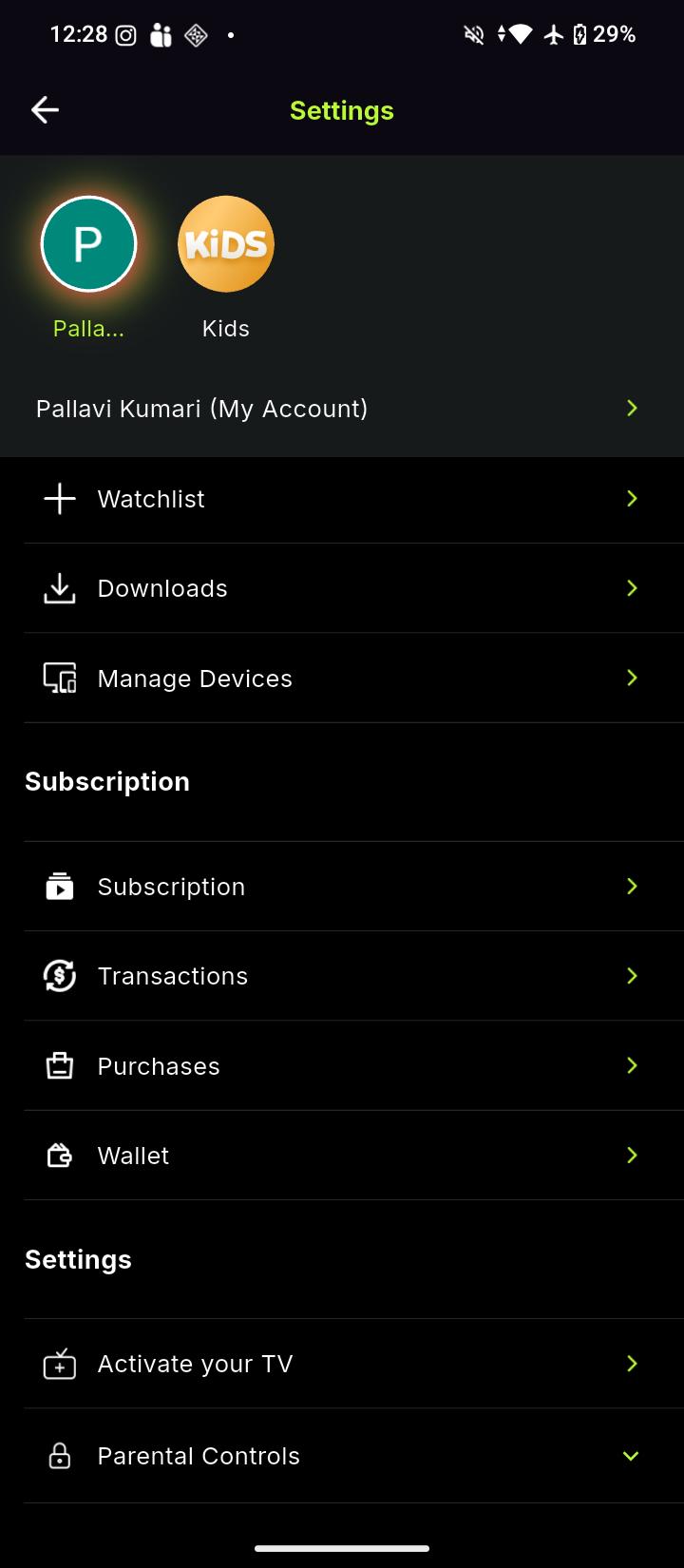
Open Settings
From the My Space section, tap on Settings to open your account settings.
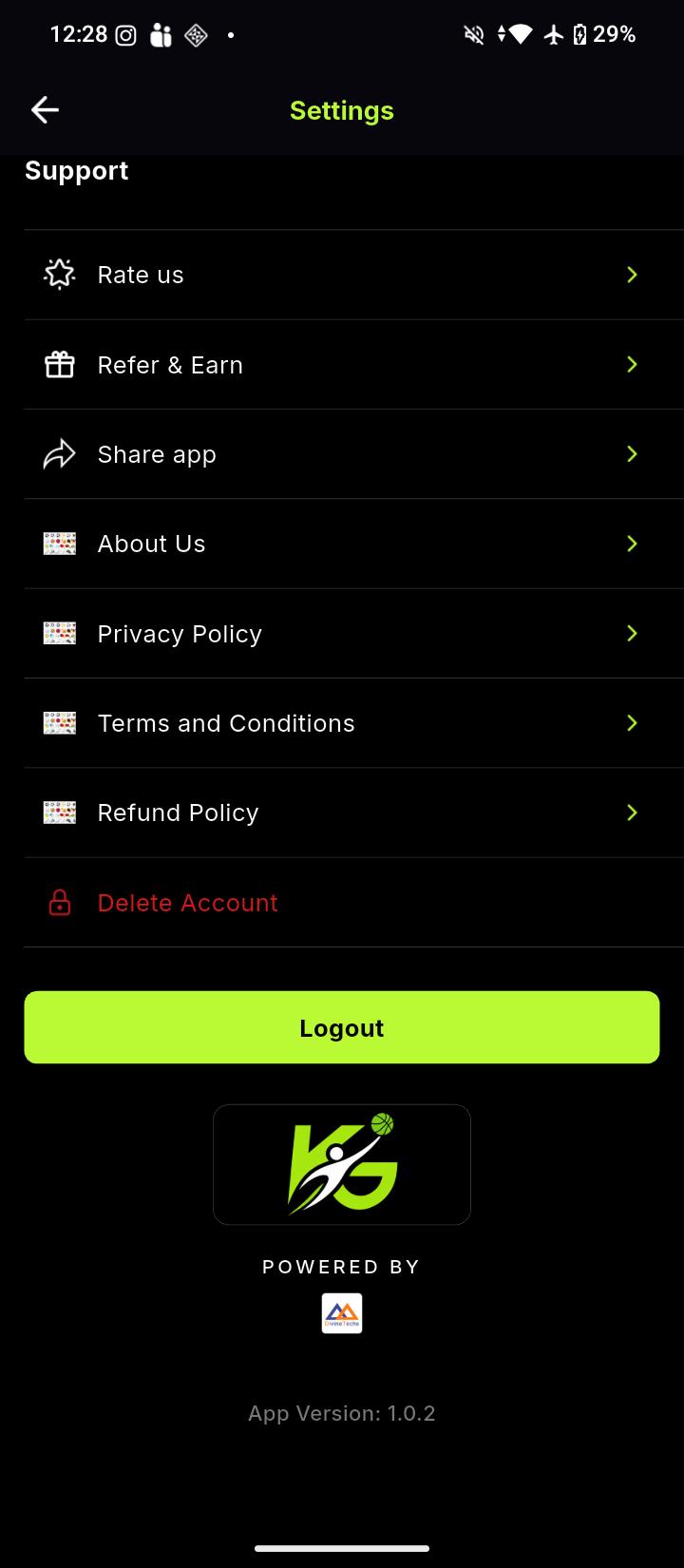
Select Delete Account
Scroll down to the Support section and tap on Delete Account.
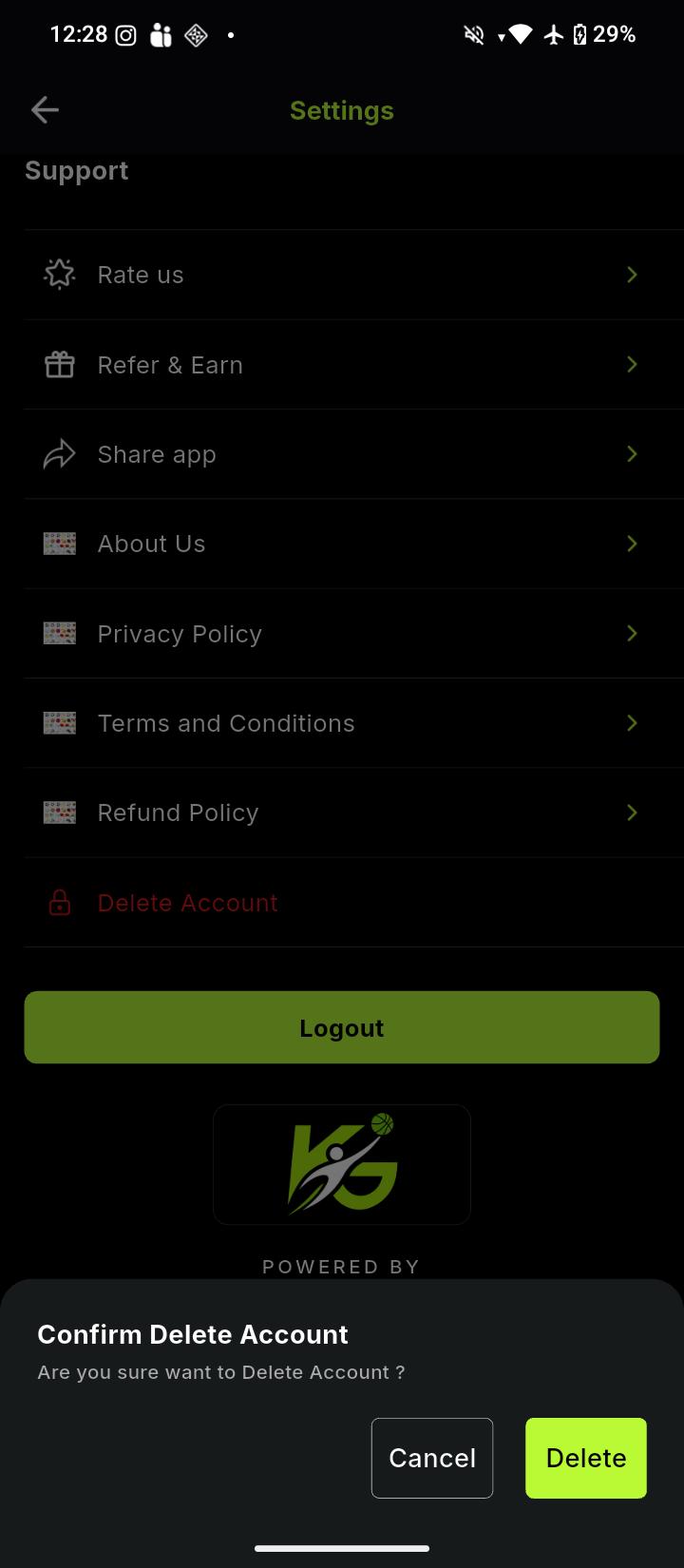
Confirm Account Deletion
A confirmation message will appear. Tap Delete to confirm that you want to permanently delete your account.
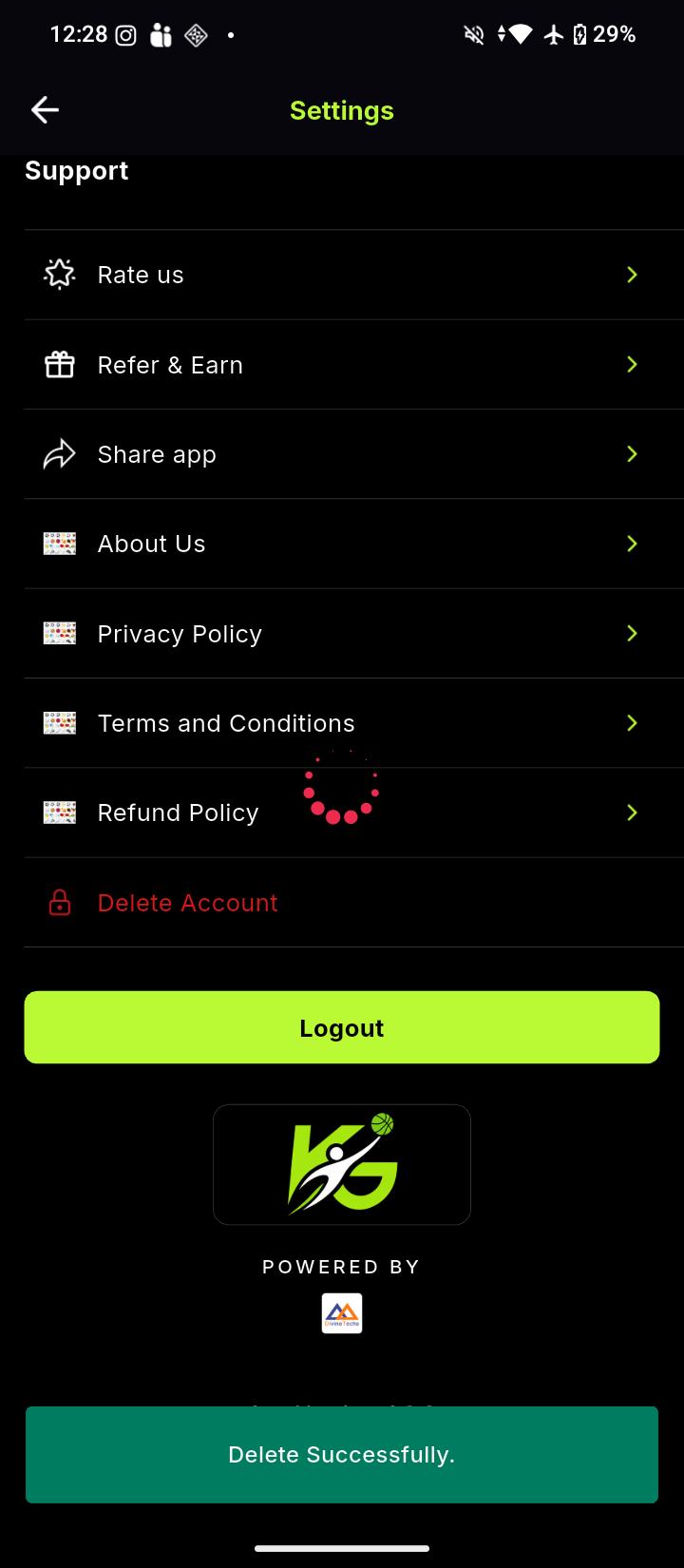
Account Deleted Successfully
Once the deletion is completed, a Delete Successfully message will appear on the screen.